





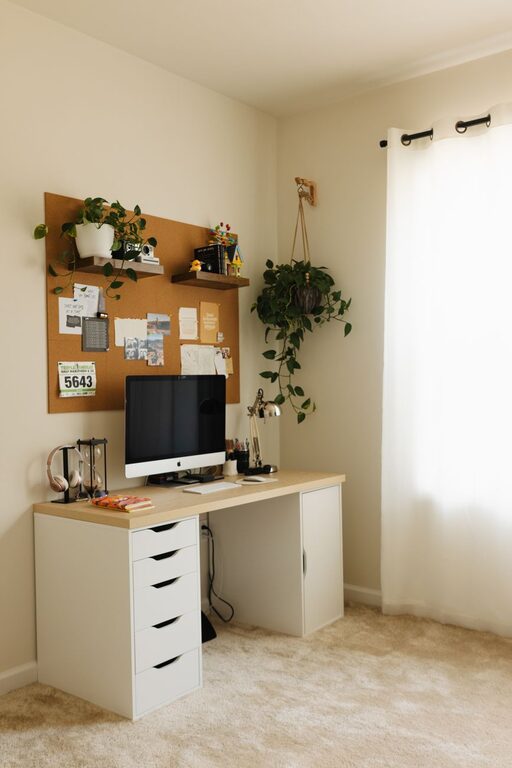
Creating a cozy and functional home workspace is essential for anyone working remotely or spending significant time at home. A well-designed workspace not only enhances productivity but also supports comfort and focus throughout your day. Whether you have a dedicated room or a small corner in your living space, these tips will help you build a home office that feels inviting and gets the job done efficiently.
1. Choose the Right Location
Consider Natural Light
One of the first steps to creating a pleasant workspace is selecting a spot with plenty of natural light. Sunlight boosts mood and energy, so if possible, place your desk near a window. Avoid glare on your screen by positioning your monitor perpendicular to the window.
Minimize Distractions
Choose an area that’s relatively quiet and separated from household noise or high-traffic zones. If space is limited, use room dividers or screens to create a sense of privacy.
2. Invest in Ergonomic Furniture
Comfortable Chair
A supportive chair that encourages good posture can prevent discomfort and long-term pain. Look for adjustable chairs with lumbar support and padding suitable for prolonged sitting.
Appropriate Desk Height
Your desk should allow you to keep your arms at a 90-degree angle while typing. Adjustable desks or sit-stand desks can offer flexibility and encourage movement during the day.
3. Declutter and Organize
Keep Essentials Within Reach
Arrange your workspace so that frequently used items—pens, notebooks, chargers—are easily accessible. Use desk organizers or trays to avoid clutter.
Use Storage Solutions
Shelves, filing cabinets, or baskets can help you store documents and supplies neatly out of sight. This keeps your workspace tidy and reduces distractions.
4. Add Personal Touches
Incorporate Plants
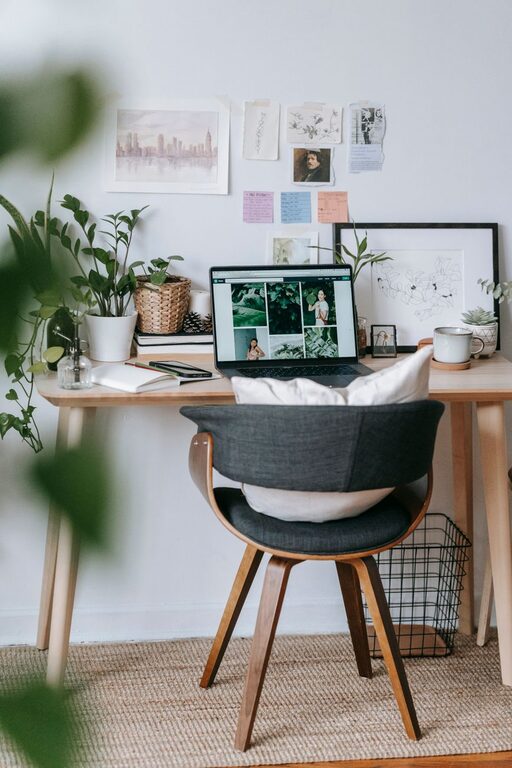
Adding greenery improves air quality and brings a touch of nature indoors. Small plants like succulents or pothos are low-maintenance and enhance the visual appeal of your workspace.
Display Inspiring Items
Photos, artwork, or motivational quotes can make your space more enjoyable and energizing. Keep the decor minimal to avoid feeling overwhelmed.
5. Optimize Lighting
Layer Your Lighting
Use a combination of natural light, overhead lights, and task lighting. A desk lamp with adjustable brightness and color temperature helps reduce eye strain, especially during late hours.
Avoid Harsh Lighting
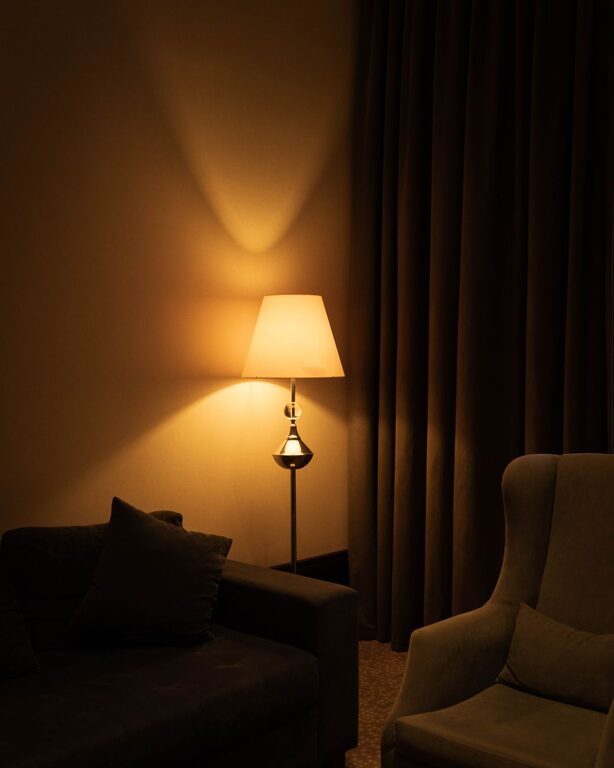
Glare or overly bright lights can cause discomfort. Use shades or diffused bulbs to create a warm, inviting atmosphere.
6. Manage Cables and Electronics
Tidy Up Wires
Untangle and bundle cords using clips, cable sleeves, or ties. This prevents accidents and keeps your desk surface clear.
Choose Efficient Technology
Select devices that meet your work needs without cluttering your space. Wireless keyboards and mice can reduce cable mess.
7. Create Zones for Different Activities
Dedicated Computer Area
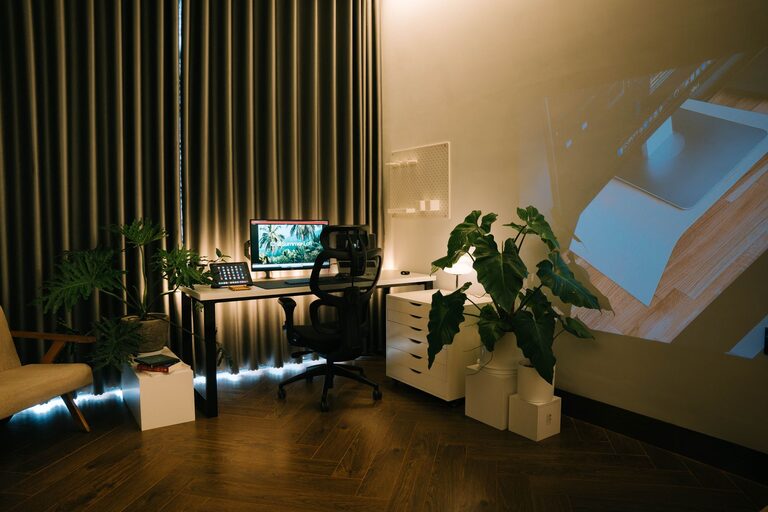
Set aside a clear spot for your primary work tools, such as your laptop, monitor, and keyboard.
Relaxation or Reading Corner
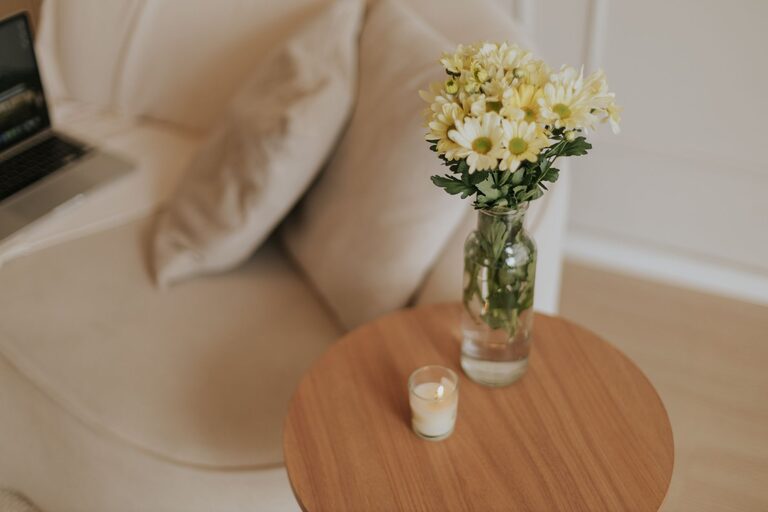
If space allows, include a comfortable chair or small couch for breaks, brainstorming, or reading. This encourages mental refreshment.
8. Maintain Good Ventilation
Keep Air Flowing
A well-ventilated space helps maintain alertness and prevents stuffiness. Open a window occasionally or use a fan or air purifier.
Control Temperature
Ensure your workspace stays at a comfortable temperature to avoid distraction or discomfort.
9. Establish a Routine and Boundaries
Set Work Hours
Having clear start and end times helps maintain a healthy work-life balance. Communicate this schedule to family or roommates to minimize interruptions.
Designate Workspace Only for Work
Using your workspace exclusively for work-related activities helps your brain associate the area with productivity and focus.
—
By following these tips, you can create a home workspace that feels welcoming and supports efficient work. Remember, a cozy and organized environment not only improves your output but also contributes to your overall well-being. Take small steps, personalize your space, and adjust as needed—your perfect home office awaits!